
Not trends. Not hype. Just tools that earned their place.
There’s a very specific moment every developer experiences.
You install a tool.
You use it once.
And your first reaction isn’t excitement — it’s annoyance.
Annoyance that you’ve spent months working without it.
That moment has happened to me more times than I can count, and almost every time, the tool came from open source.
Not from a polished landing page.
Not from a sales email.
But from a GitHub repo built by someone who clearly scratched their own itch.
⚠️ Act Now or Miss 70% OFF VPN + 1TB FREE Cloud Storage!
This heavy discount won’t last forever — secure your deal today.
✅ 30-Day Money-Back Guarantee — zero risk.
👉 Get 1TB + VPN
Living in GitHub Changes Your Standards
I spend more time on GitHub than I probably should. Over time, that does something to you.
You stop tolerating friction.
If a tool is slow, locked down, or forces you into an account before you even know if it’s useful, you move on. You start asking a different question:
“Is there an open-source version of this?”
Most of the time, the answer is yes — and it’s usually better in ways that don’t show up in marketing screenshots.
Why Open Source Still Wins for Me in 2026
Closed tools are impressive now.
They’re fast, beautiful, and full of AI features.
But there’s always a trade-off hiding underneath:
- Your code lives somewhere else
- Your workflow depends on a roadmap you don’t control
- Your usage turns into a billing problem
Open source gives something quieter, but more valuable: control.
You can read the code.
You can run it locally.
You can fix what’s broken instead of waiting.
And when something goes wrong, you’re talking to builders — not support scripts.
That difference still matters.
These Aren’t “Best Tools” — They’re the Ones I Actually Use
This isn’t a leaderboard.
It’s a list of tools that survived daily use.
Some saved me hours.
Some removed mental clutter.
Some just stayed out of my way — which is rare.
1. Tabby — AI Code Help Without Sending Your Code Away
I liked Copilot.
I just never felt great about where my code was going.
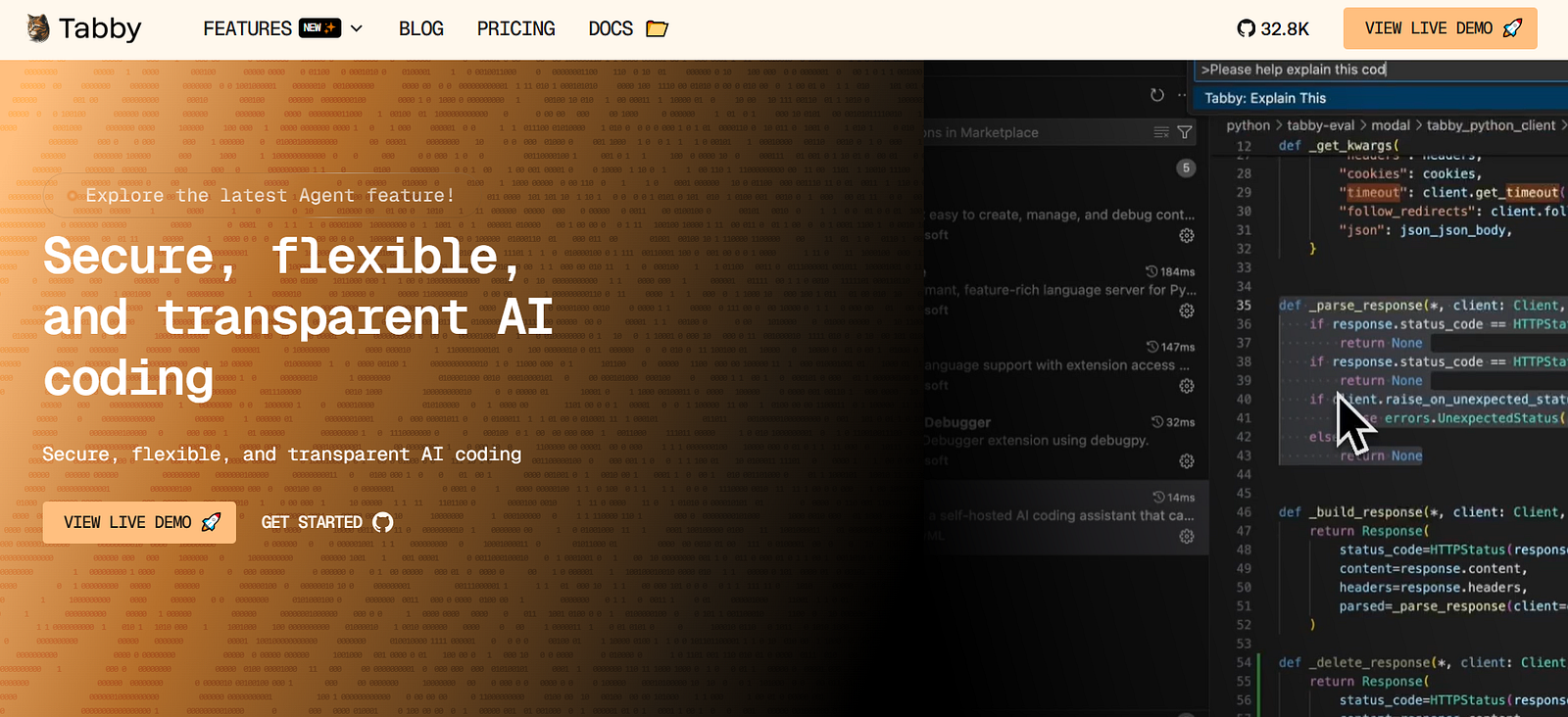
Tabby runs locally and uses open models like StarCoder and Code Llama. It plugs into VS Code, JetBrains, and Neovim without asking you to give up privacy.
It feels like AI assistance without the anxiety — and that’s why it stayed.
2. Hoppscotch — When API Testing Stops Feeling Heavy
At some point, Postman started feeling like too much.
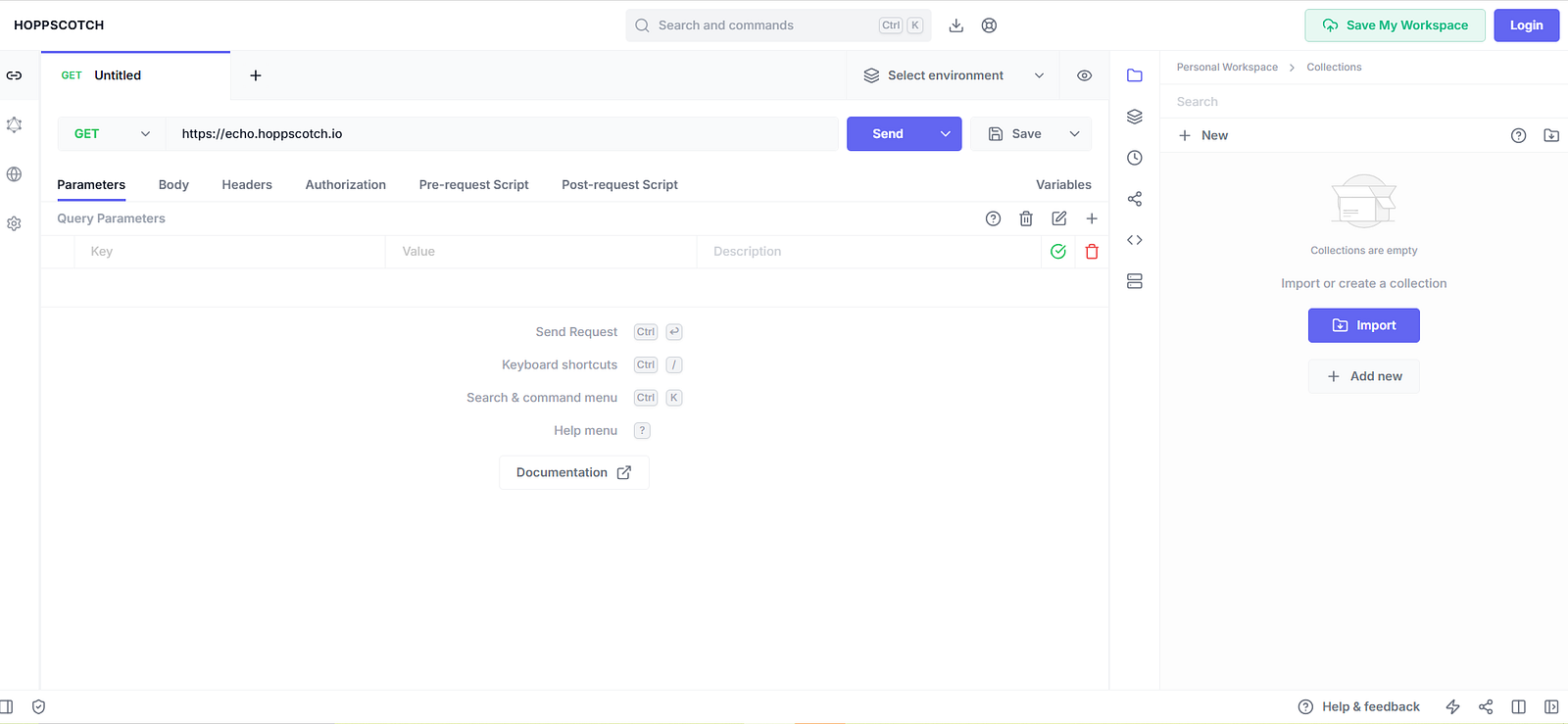
Hoppscotch loads instantly.
No forced login.
No waiting.
REST, GraphQL, WebSockets, SSE — all there.
Testing APIs feels light again, and once you feel that, it’s hard to go back.
3. Coolify — The Part of Heroku I Actually Missed
I loved Heroku’s simplicity.
I didn’t love its limits.
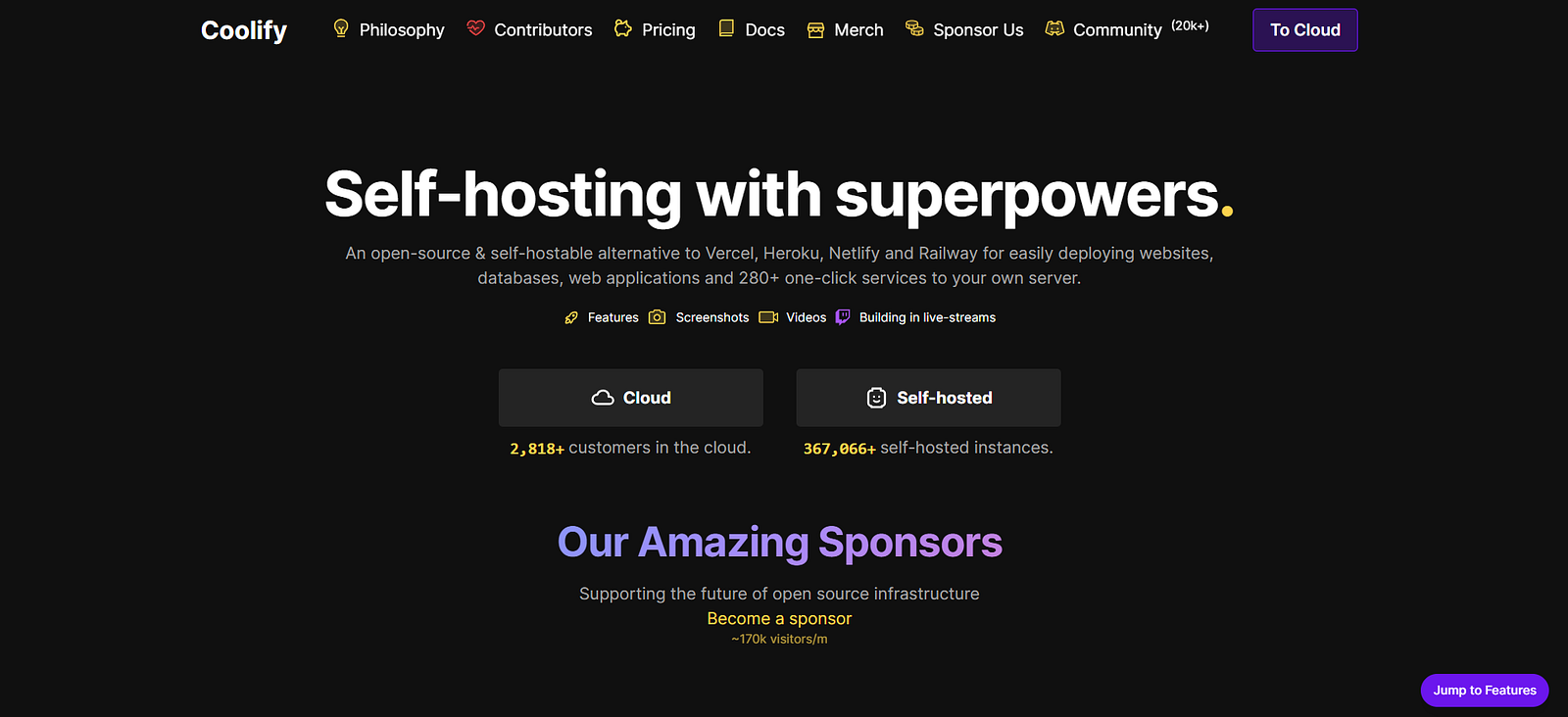
Coolify gives me push-to-deploy without taking control away. Databases, workers, full-stack apps — all on infrastructure I own.
No surprises. No sudden constraints.
That trust is everything.
4. DevToys — The Tool That Quietly Replaced My Browser Tabs
JWT decoding.
Regex testing.
Color conversion.
File diffs.
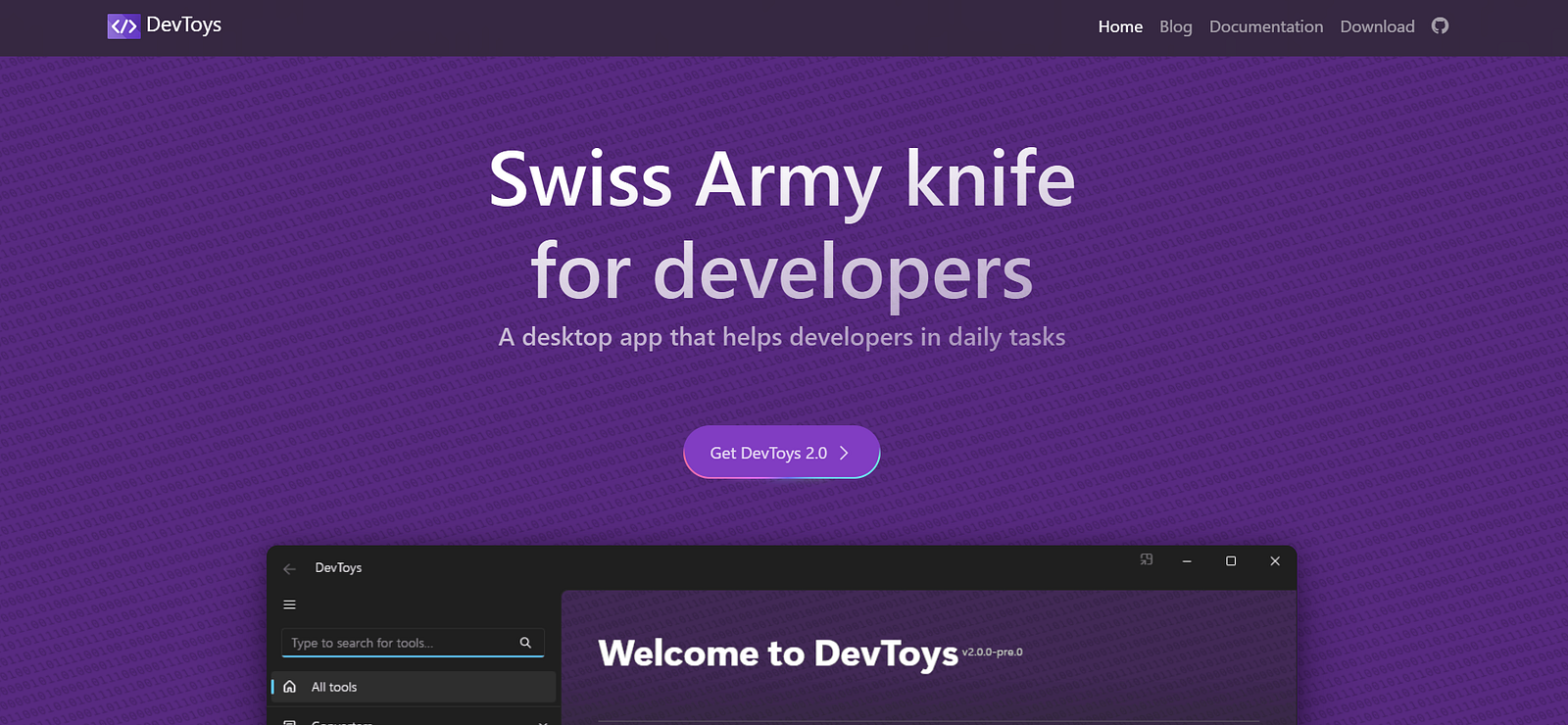
DevToys does all of it, offline.
I didn’t realize how much attention I was wasting switching tabs until I stopped needing them.
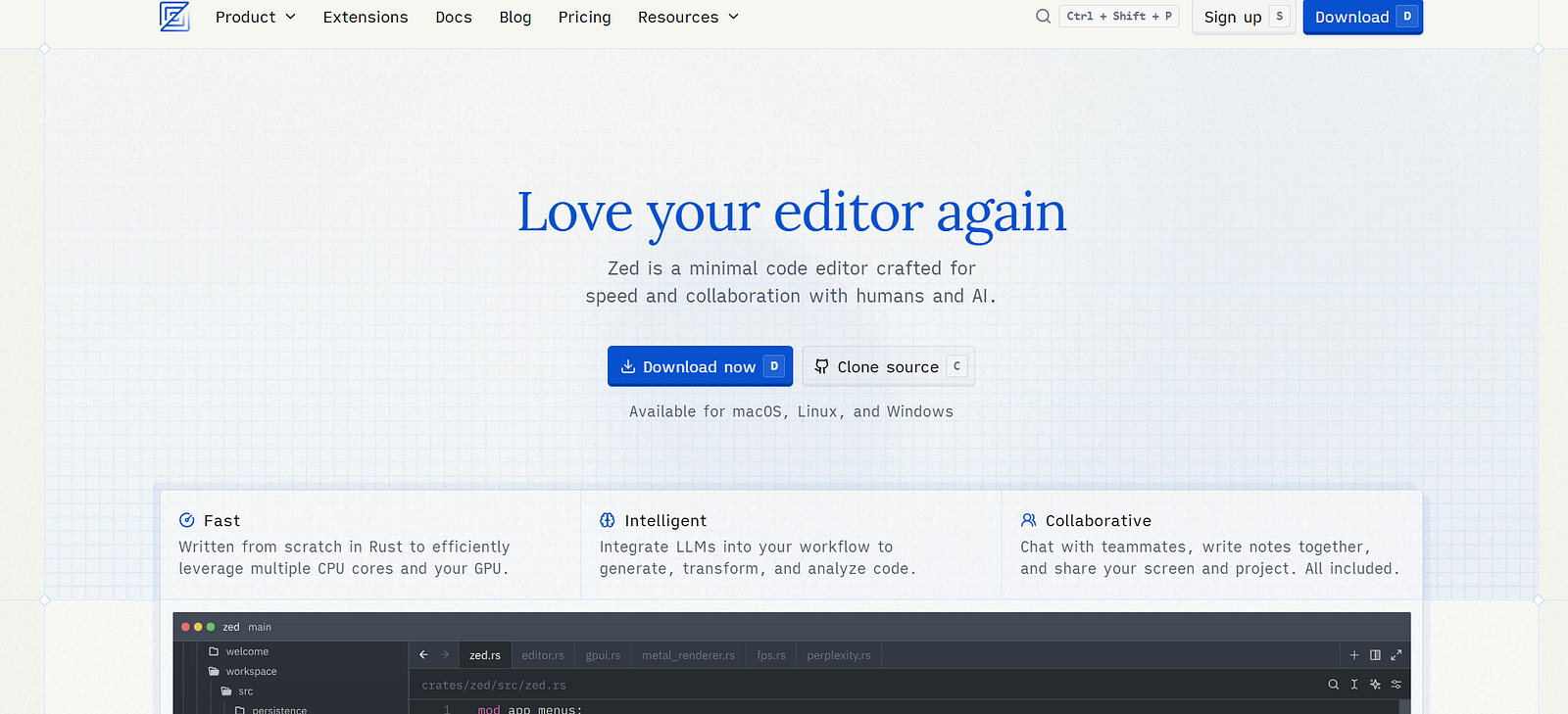
5. Zed — When an Editor Feels Physically Faster
Zed isn’t just “another editor.”
It’s fast in a way you feel.
Rust-powered, minimal, and built for real-time collaboration. Pair programming with voice chat baked in feels surprisingly natural.
After using it for a while, switching back feels like unnecessary friction.
6. OpenHands — An AI That Actually Does Things
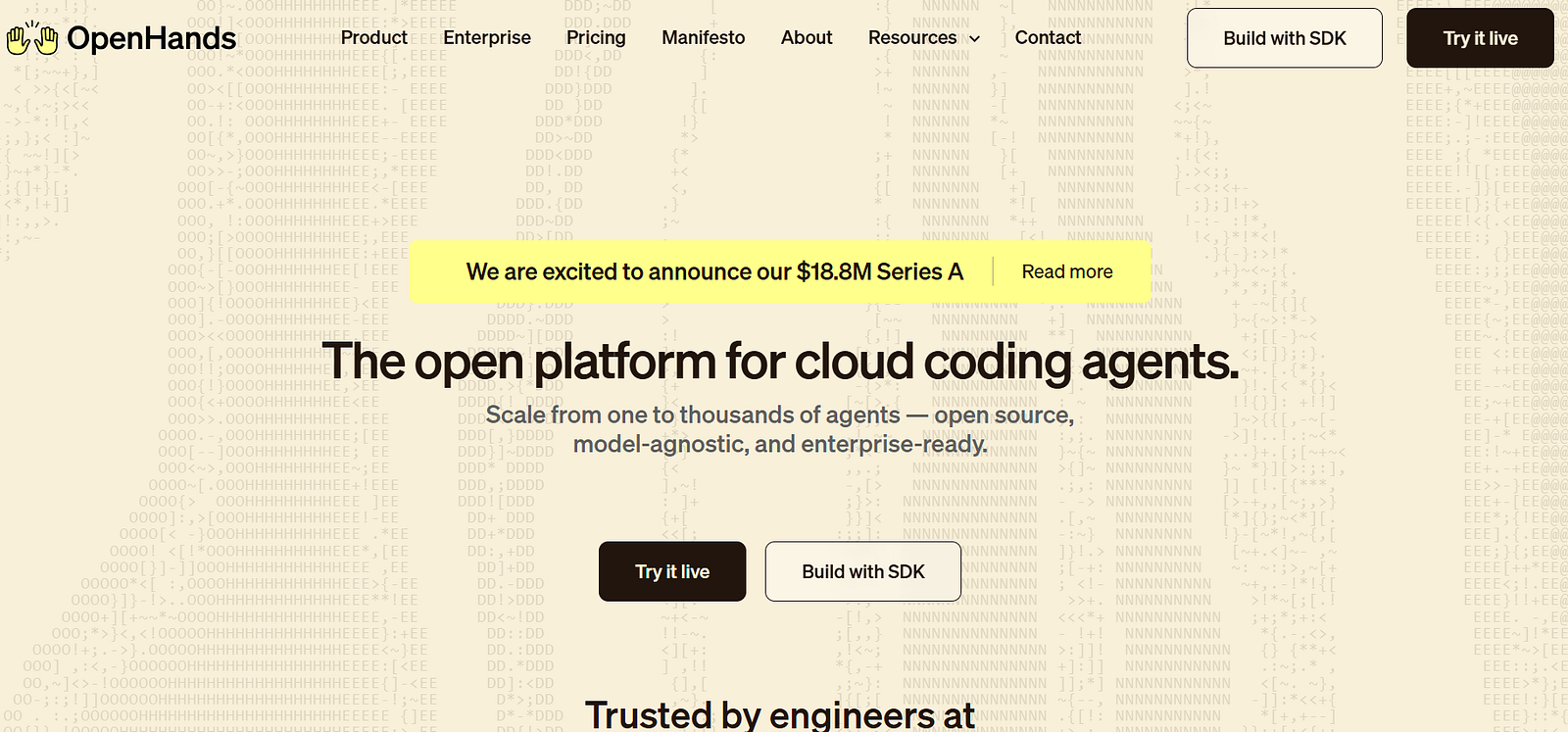
This one changes how you think about “AI tools.”
OpenHands doesn’t just respond — it runs commands, edits files, and tests logic. I use it for repetitive setup, shell scripts, and sanity checks.
It doesn’t replace thinking.
It replaces grunt work.
That distinction matters.
7. DevPod — Codespaces Without the Lock-In
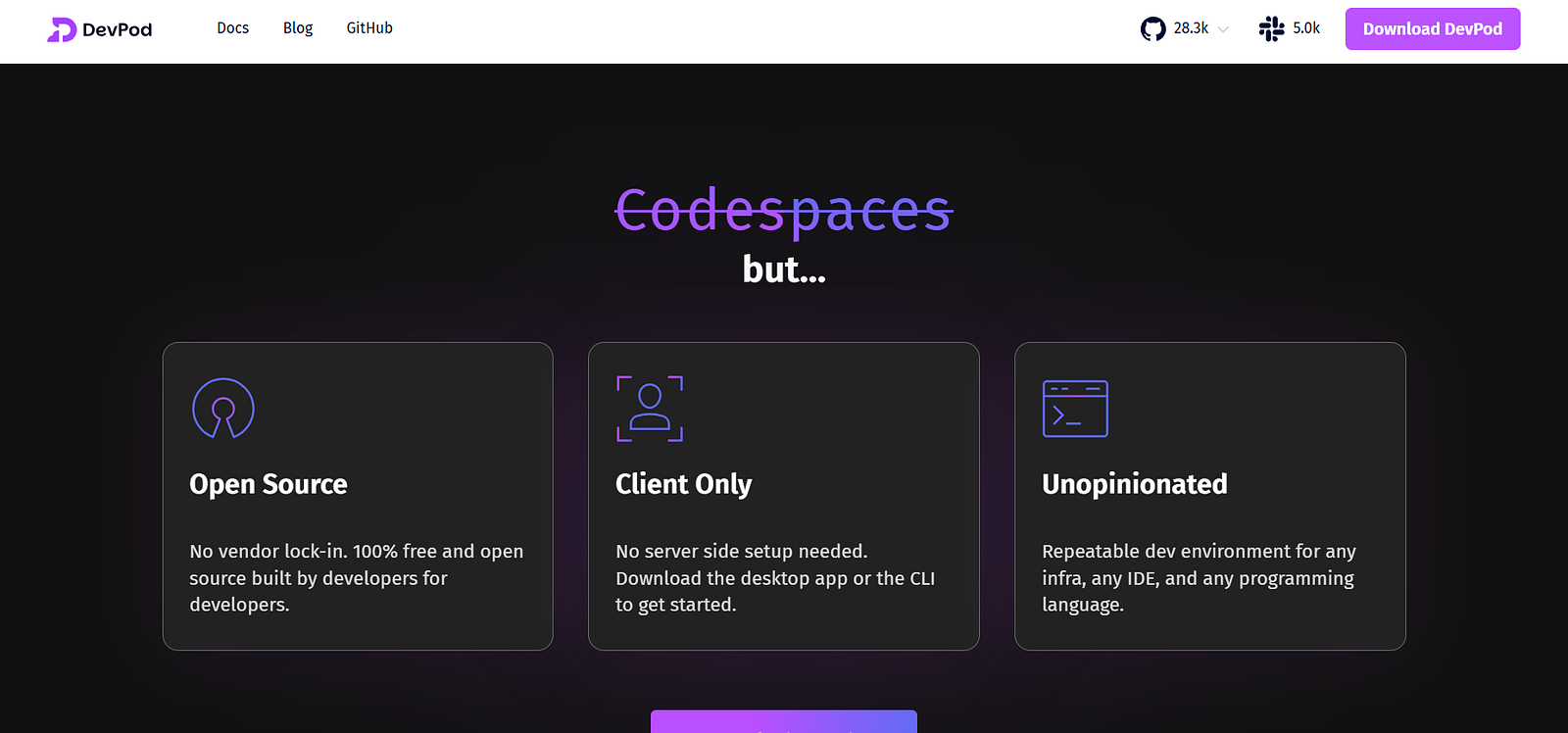
DevPod gives me reproducible dev environments anywhere: laptop, cloud, Kubernetes.
Same setup. Same results.
Sharing environments stops being painful, and billing stops being a concern entirely.
8. Wasp — Full-Stack Without the Setup Fatigue
Auth, database, routes, deploy — handled.
Wasp lets me focus on the idea instead of stitching boilerplate together for the hundredth time.
For MVPs and internal tools, it’s hard to beat.

9. Turborepo — The Monorepo Tool That Earned My Trust
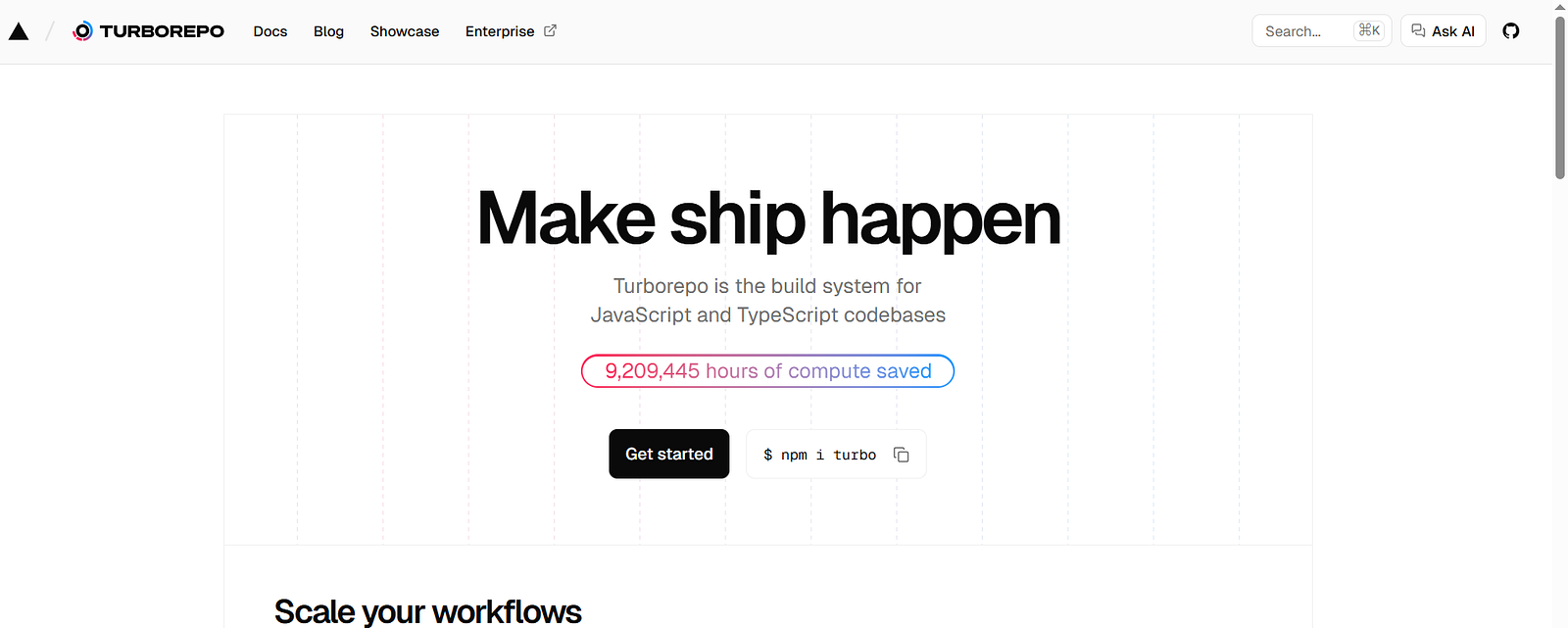
Monorepos sound great until CI times explode.
Turborepo fixed that.
Smart caching, parallel tasks, excellent Next.js and pnpm support. It doesn’t just speed builds — it changes how you structure projects.
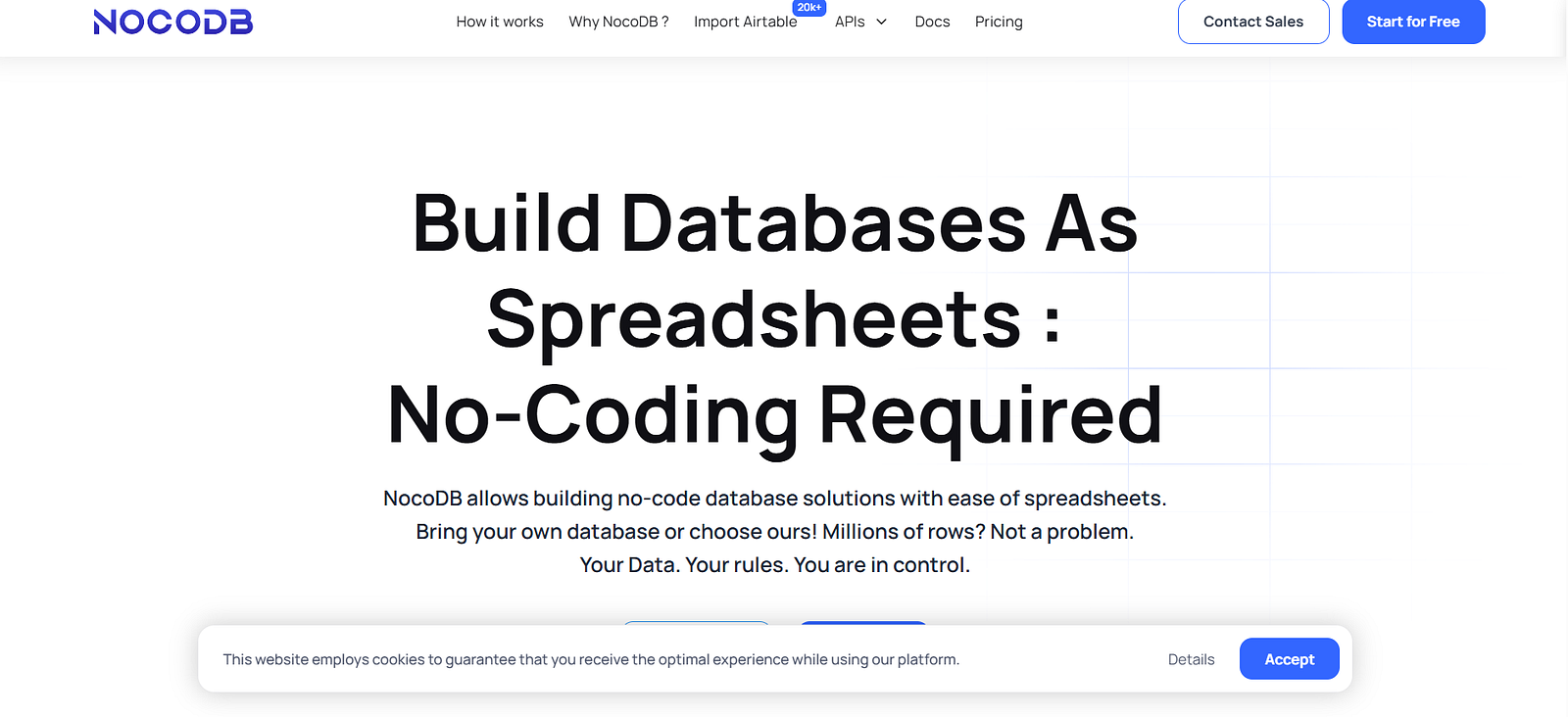
10. NocoDB — When Airtable Stops Making Sense
Airtable is convenient… until it isn’t.
NocoDB turns your SQL database into a spreadsheet interface with REST and GraphQL APIs included.
It’s perfect for admin panels and internal tools where control matters more than polish.
What These Tools Have in Common
None of them are trying to impress you.
They’re trying to respect your time.
That’s the pattern I keep seeing with good open-source software. It’s built by people who use it daily, not by teams optimizing conversion funnels.
And in 2026 — with AI everywhere and abstractions stacked on abstractions — that honesty feels rare.
If You’re Building This Year
Start with tools that don’t fight you.
Fork them.
Self-host them.
Or just quietly use them without permission.
That’s the real freedom open source offers.
And if this list overlaps with your own stack — or if you’ve found a tool that changed how you work — I’d genuinely like to hear about it.
The best tools usually spread through conversations, not marketing.
Writer : TechTales
— Bhuwan Chettri
Editor, CodeToDeploy
CodeToDeploy Is a Tech-Focused Publication Helping Students, Professionals, And Creators Stay Ahead with AI, Coding, Cloud, Digital Tools, And Career Growth Insights.