
A late but telling feature that exposes Chrome’s struggle with modern browsing habits.
⚠️ Act Now or Miss 70% OFF VPN + 1TB FREE Cloud Storage!
This heavy discount won’t last forever — secure your deal today.
✅ 30-Day Money-Back Guarantee — zero risk.
👉 Get 1TB + VPN
For years, Chrome felt fast. Reliable. Familiar.
And yet, something about it quietly started to feel… old.
Not broken. Not slow. Just mentally exhausting.
If you’re someone who lives with 15, 20, or 30 tabs open at a time, you probably know the feeling. A thin strip of icons at the top. Half-visible titles. That moment where every tab looks identical and you’re forced to hover and guess.
We all accepted it as normal.
Until other browsers showed us it didn’t have to be this way.
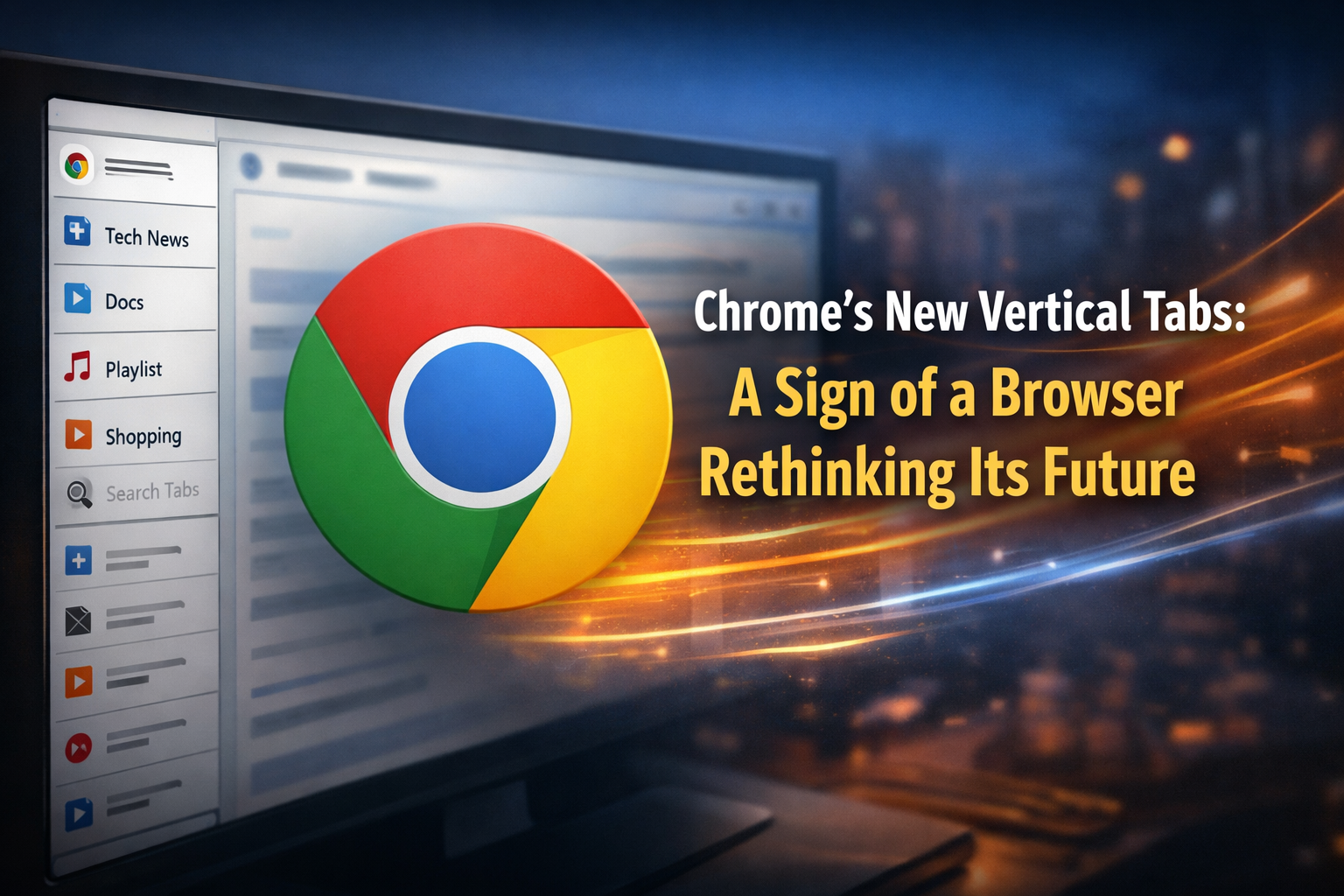
Now, Chrome is finally experimenting with vertical tabs — not loudly, not confidently, but hidden inside Canary builds. And that timing tells a much bigger story than the feature itself.
Vertical tabs aren’t new — but Chrome’s late arrival matters
Vertical tabs have existed for years.
Firefox users embraced them early.
Microsoft Edge refined them.
Arc built an entire identity around them.
So when Chrome — the most dominant browser on the planet — only now starts testing them, it raises a question:
Why did it take this long?
Because Chrome has always prioritized simplicity over structure.
Power features existed — but they were buried behind menus, flags, or shortcuts.
Vertical tabs don’t just change layout.
They expose behavior.
They make your tab chaos visible.
And Chrome was never designed to confront users with that truth.
Why vertical tabs actually change how your brain works
On paper, vertical tabs sound boring.
“Same tabs, just on the side.”
In reality, they change how you think.
Modern screens are wide. Excessively wide.
Yet horizontal tabs waste that space while cramming information into a shrinking strip.
Vertical tabs flip the equation:
- You read tab titles instead of guessing
- You scan instead of memorizing
- You organize visually, not mentally
Your browser stops feeling like a memory test.
This isn’t about productivity hacks.
It’s about reducing cognitive load — something Chrome users have silently endured for years.
Chrome’s version feels careful… almost nervous
If you try vertical tabs in Chrome Canary, one thing is obvious:
Google is being cautious.
No bold redesign.
No dramatic UX reset.
No “this is the future” announcement.
Instead, you get:
- A collapsible side tab rail
- Cleaner tab groups
- Easier access to tab search
- Finally readable tab titles
It’s functional. Polite. Safe.
And that safety reveals something important:
Chrome isn’t trying to reinvent browsing. It’s trying not to disrupt its massive user base.
The real upgrade isn’t tabs — it’s awareness
What surprised me most wasn’t how many tabs I could manage.
It was how visible everything felt.
Vertical tabs expose habits we usually ignore:
- That article you never finished? Still there.
- That doc you meant to return to? Staring at you.
- That research rabbit hole? Impossible to hide.
You start closing tabs — not because you have to, but because you see them.
Chrome has historically allowed quiet tab hoarding.
Vertical tabs gently push users toward intentional browsing.
And that’s new territory for Chrome.
Canary tells us more than Google admits
There’s a reason this feature lives in Canary.
Canary crashes.
Canary breaks extensions.
Canary is unstable by design.
Keeping vertical tabs there suggests hesitation — technical, philosophical, or both.
It hints at internal debates:
- Will performance suffer?
- Will users resist change?
- Is this too opinionated for Chrome?
Other browsers ship strong ideas confidently.
Chrome, because of its scale, moves carefully — even when it knows change is overdue.
This isn’t about catching up — it’s about relevance
Chrome won’t lose users overnight.
It loses them slowly.
Through tiny frustrations.
Through better daily workflows elsewhere.
Through the feeling that innovation now lives in competitors — not here.
Vertical tabs won’t make Chrome exciting again.
But they signal acknowledgment.
That the browser itself needs evolution.
Not more AI buttons.
Not more hidden features.
Just interfaces that respect attention.
Chrome needed this years ago — and that’s okay
If Chrome had launched vertical tabs five years ago, it would’ve felt visionary.
Today, it feels honest.
An admission that the old way isn’t enough anymore.
That doesn’t make it a failure.
It makes it human.
And if Google commits — stabilizes it, expands tab organization, embraces visibility — this could become one of Chrome’s most meaningful updates ever.
Not because it’s flashy.
But because it quietly fixes something we’ve all disliked for a long time.
Should you switch browsers for this?
Not yet.
Canary isn’t reliable for daily work, and vertical tabs alone aren’t a reason to abandon your setup.
But it is worth paying attention.
Because for the first time in a while, Chrome isn’t just adding features.
It’s rethinking how browsing feels.
And that’s a shift worth watching.
Writer : Roshni Savaliya