
Stop Googling Flutter commands. This complete CLI cheat sheet will save you hours of development time.
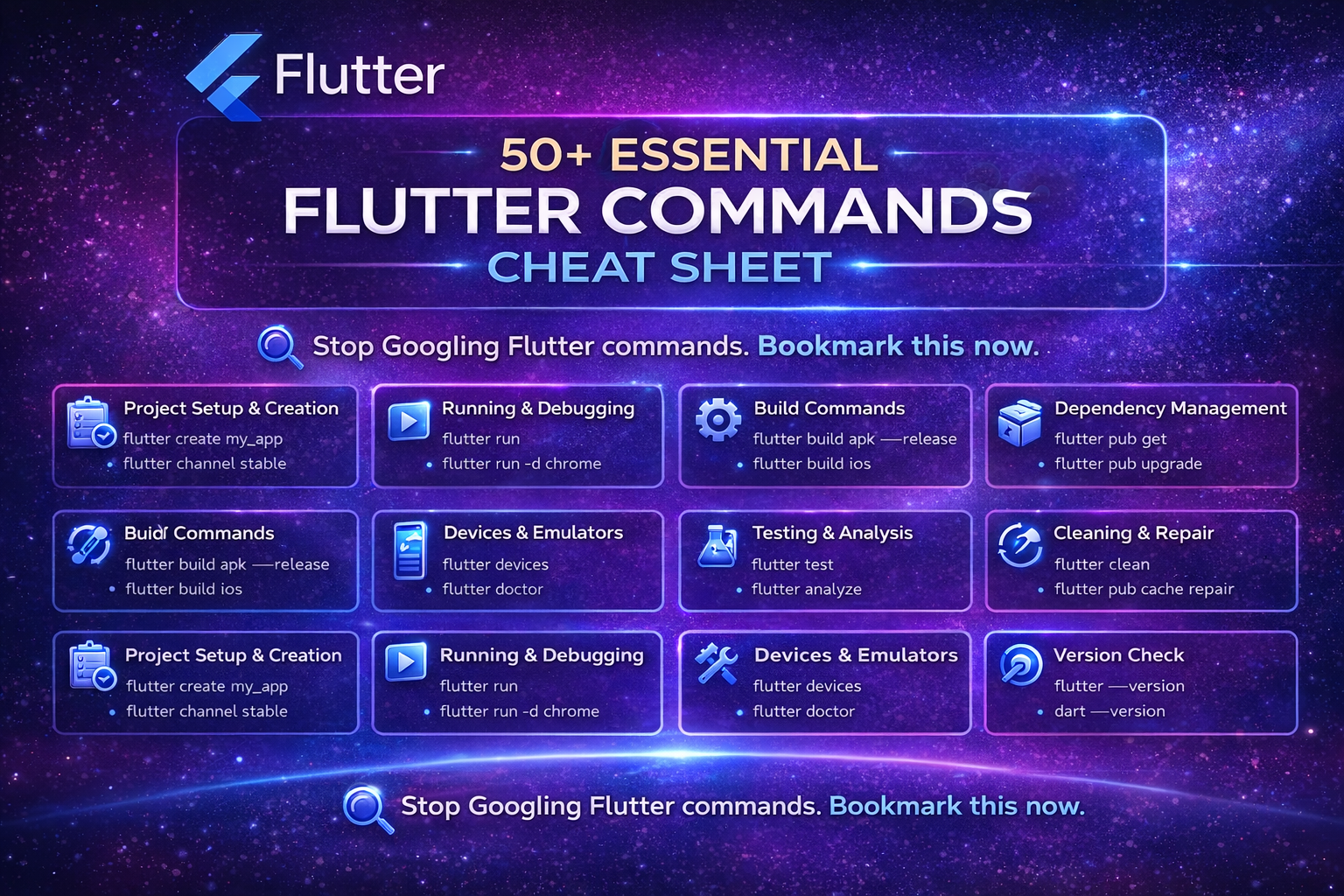
🧠 Stop Googling Flutter Commands. Bookmark This Instead.
If you’re learning Flutter or building apps daily, you already know this:
You keep forgetting command names.
Was it flutter pub get or dart pub get?
How do you run on Chrome again?
What was the command for release APK?
Don’t worry. I’ve got you covered.
This is your complete Flutter CLI cheat sheet — explained in simple terms.
Whether you’re a beginner or experienced Flutter developer, this guide will save you time every day.
📦 1. Project Setup & Creation Commands
These commands help you create and manage Flutter projects.
✅ Create a new project
flutter create my_app✅ Create project for specific platforms
flutter create --platforms=android,ios,web my_app✅ Switch Flutter channel
flutter channel stable
flutter channel beta
✅ Upgrade Flutter SDK
flutter upgrade✅ Downgrade Flutter
flutter downgrade▶️ 2. Running & Debugging Apps
These commands help you run your app on devices or browsers.
✅ Run app
flutter run✅ Run on Chrome
flutter run -d chrome✅ Run on specific emulator
flutter run -d emulator-5554✅ Run release mode
flutter run --release✅ Run with performance profiling
flutter run --profile🏗 3. Build Commands (For Production)
When you want to publish your app:
✅ Build APK
flutter build apk✅ Build Release APK
flutter build apk --release✅ Build App Bundle (Play Store)
flutter build appbundle✅ Build for iOS
flutter build ios✅ Build Web
flutter build web✅ Build for Windows / macOS / Linux
flutter build windows
flutter build macos
flutter build linux
📱 4. Devices & Emulator Commands
✅ List connected devices
flutter devices✅ Check system health
flutter doctor✅ Accept Android licenses
flutter doctor --android-licenses📚 5. Dependency Management (Very Important)
Flutter uses pub for package management.
✅ Get packages
flutter pub get✅ Upgrade packages
flutter pub upgrade✅ Add new package
flutter pub add package_name✅ Remove package
flutter pub remove package_name🧪 6. Testing & Code Quality
✅ Run tests
flutter test✅ Analyze code
flutter analyze🧹 7. Cleaning & Fixing Issues
When your app behaves weirdly, try this:
✅ Clean project
flutter clean✅ Repair pub cache
flutter pub cache repair✅ Clear pub cache
flutter pub cache clean🔄 8. Version Check Commands
✅ Check Flutter version
flutter --version✅ Check Dart version
dart --version🎯 Pro Tips (From Experience)
As a Flutter developer, here are commands I use most daily:
flutter cleanflutter pub getflutter runflutter build apk --releaseflutter doctor
If you’re serious about Flutter, mastering CLI will make you 2x faster than relying only on IDE buttons.
💡 Why Learning Flutter CLI Is Important?
Many developers depend fully on Android Studio or VS Code UI.
But real productivity comes when:
- You debug faster
- You build faster
- You automate builds
- You work in CI/CD pipelines
And for that — CLI knowledge is essential.
🚀 Final Thoughts
You don’t need to memorize 50 commands.
Just understand:
- What they do
- When to use them
Save this post. Bookmark it. Share it with your Flutter friends.
It might save hours of debugging someday.
Writer : Roshni Savaliya