
Hello, fellow frontend developer
Let me guess — I know you’ve spent hours tweaking CSS, trying to make your UI pixel-perfect, most effective to catch small things like typos, missing brackets, or simply feeling slow at the same time as writing styles.
I want you to level up, too. So let me walk you through the exact extensions that supercharged my frontend game.
1. CSS Peek
Preview CSS directly from HTML/JSX.
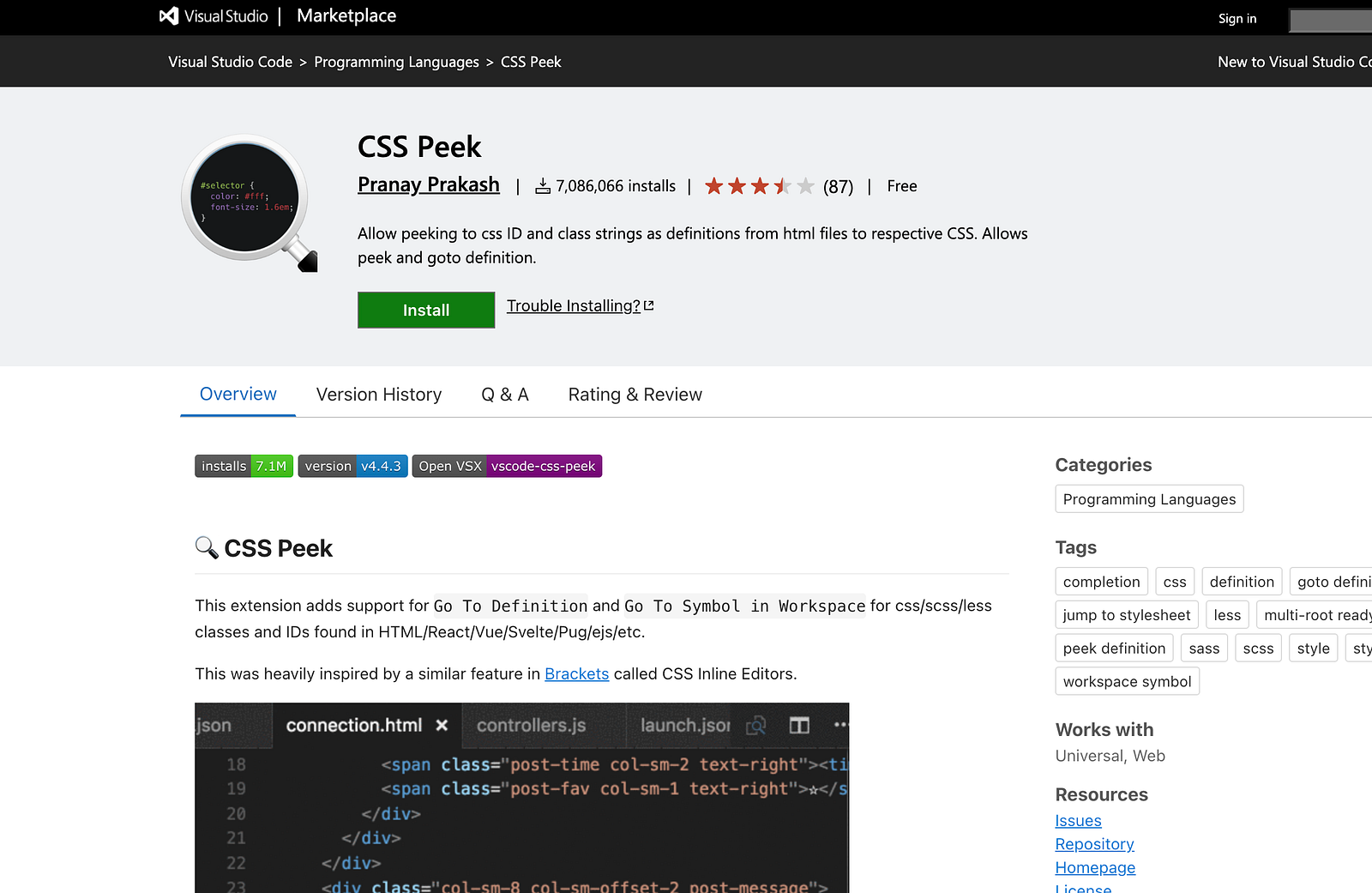
- Allows you to Ctrl + click on class names to see their definitions.
- Saves time navigating stylesheets.
- Essential for large projects or unfamiliar codebases.
2. Tailwind CSS IntelliSense
Must have for Tailwind users.
- Smart autocomplete for utility classes.
- Hover previews with actual CSS.
- Instantly flags invalid classes.
3. PostCSS Language Support
Better syntax support for modern CSS/PostCSS.
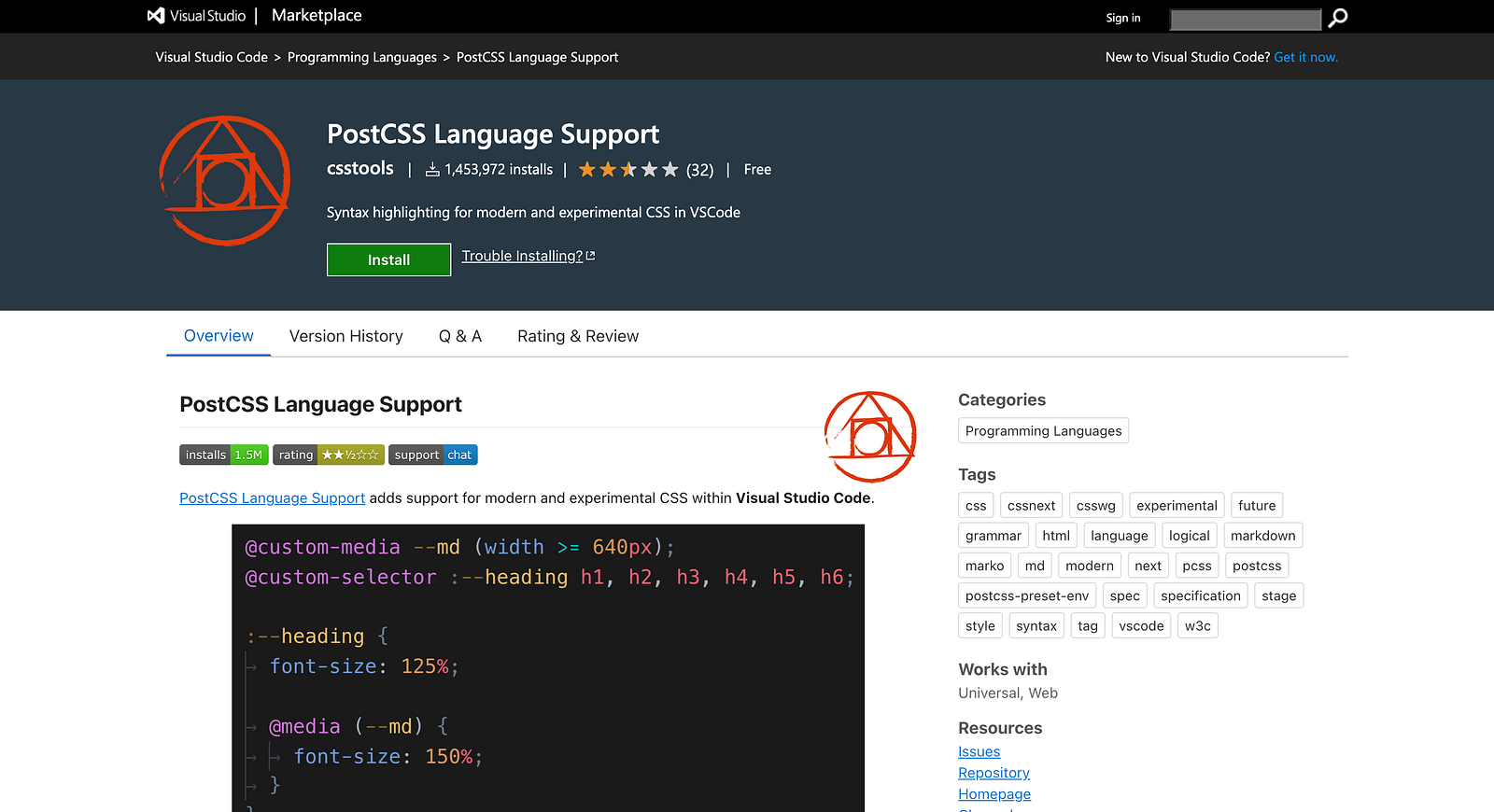
- Full language features for
.pcss,.postcss. - Plays nicely with Tailwind and Autoprefixer.
- Enables nesting and future CSS syntax.
4. Stylelint
Lint your CSS like a pro.
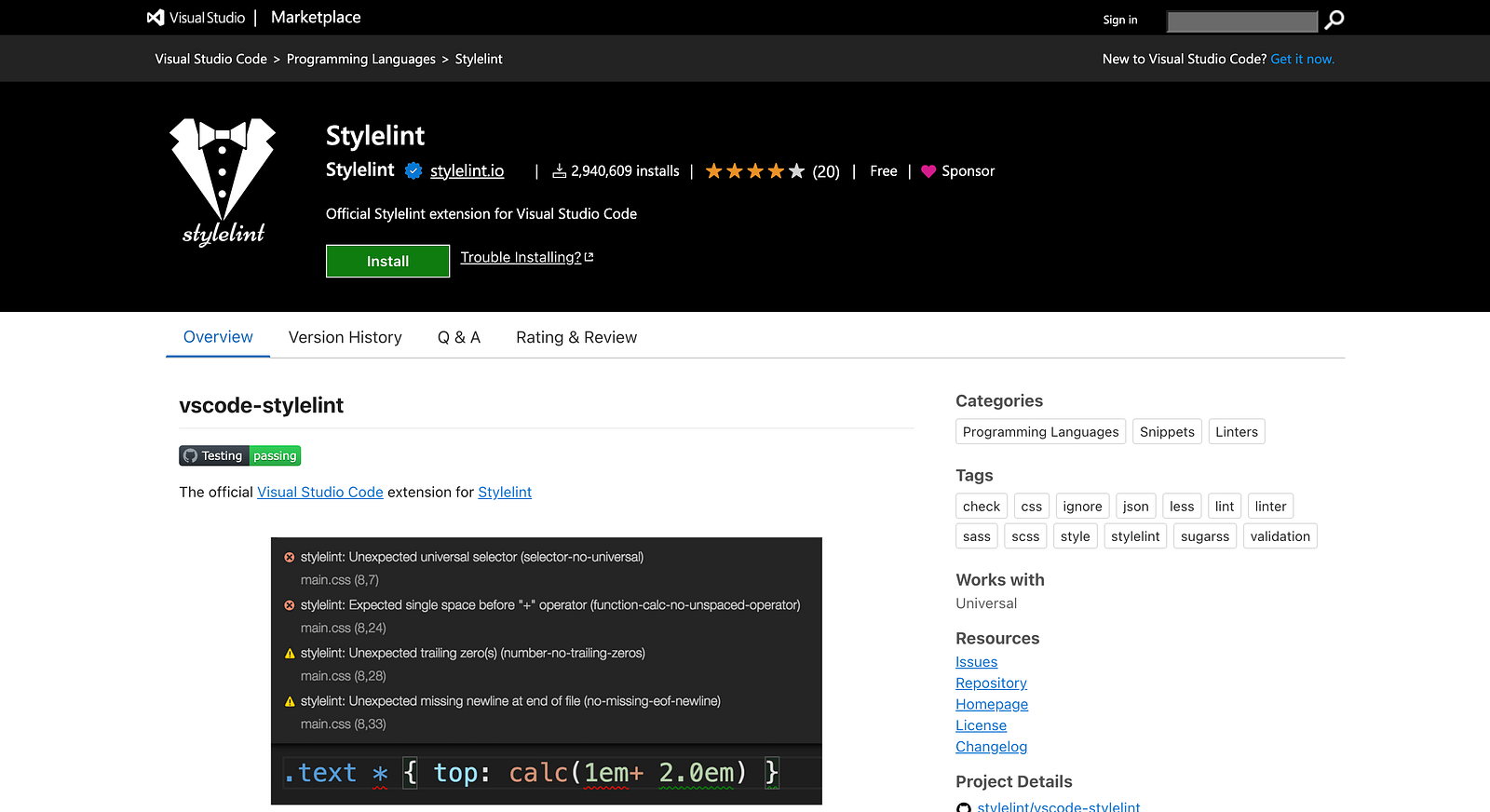
- Flags bad CSS practices instantly.
- Helps enforce team/style consistency.
- Supports SCSS, Less, and PostCSS too.
5. IntelliSense for CSS class names in HTML
Autocomplete your class names in class="".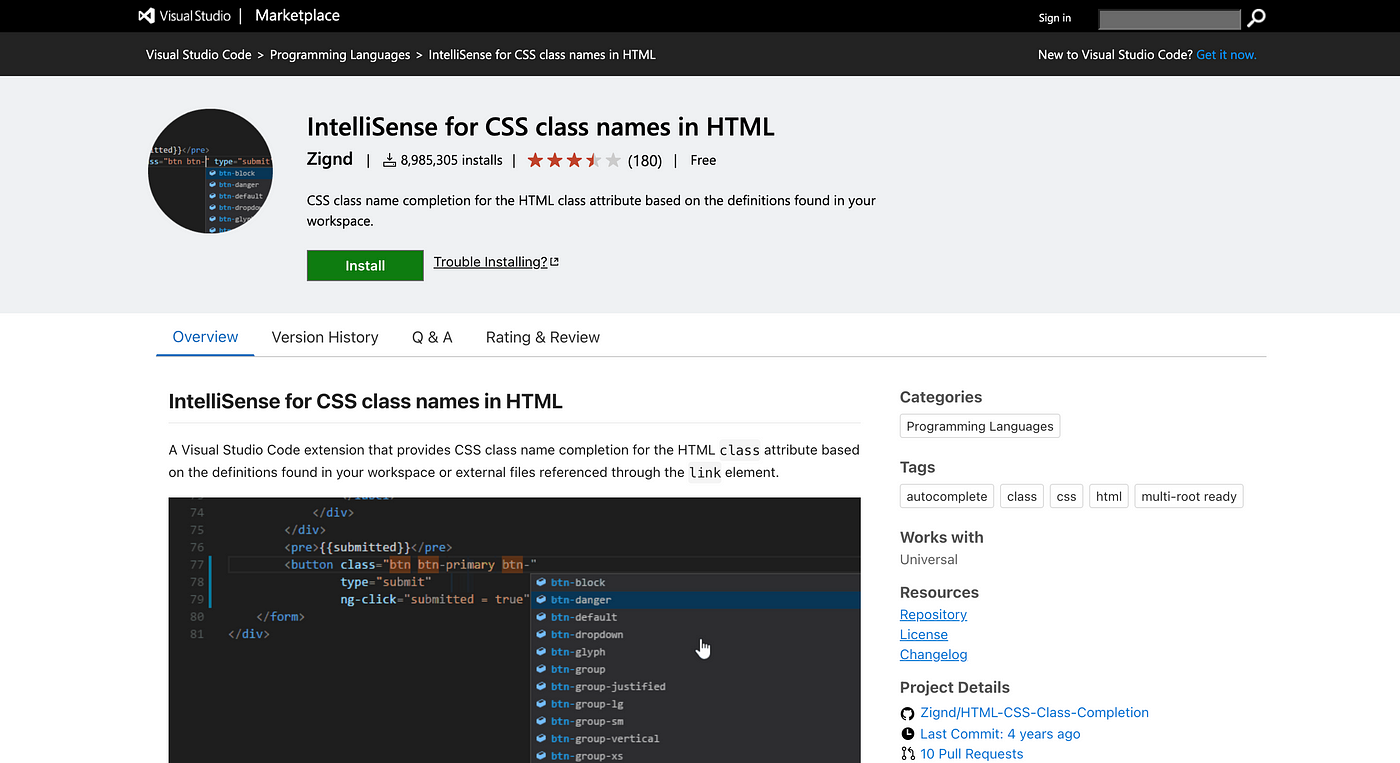
- Suggests existing class names based on your CSS files.
- Avoids typos.
- Works with HTML, JSX, Vue, and more.
6. Color Highlight
Visualize color codes instantly.
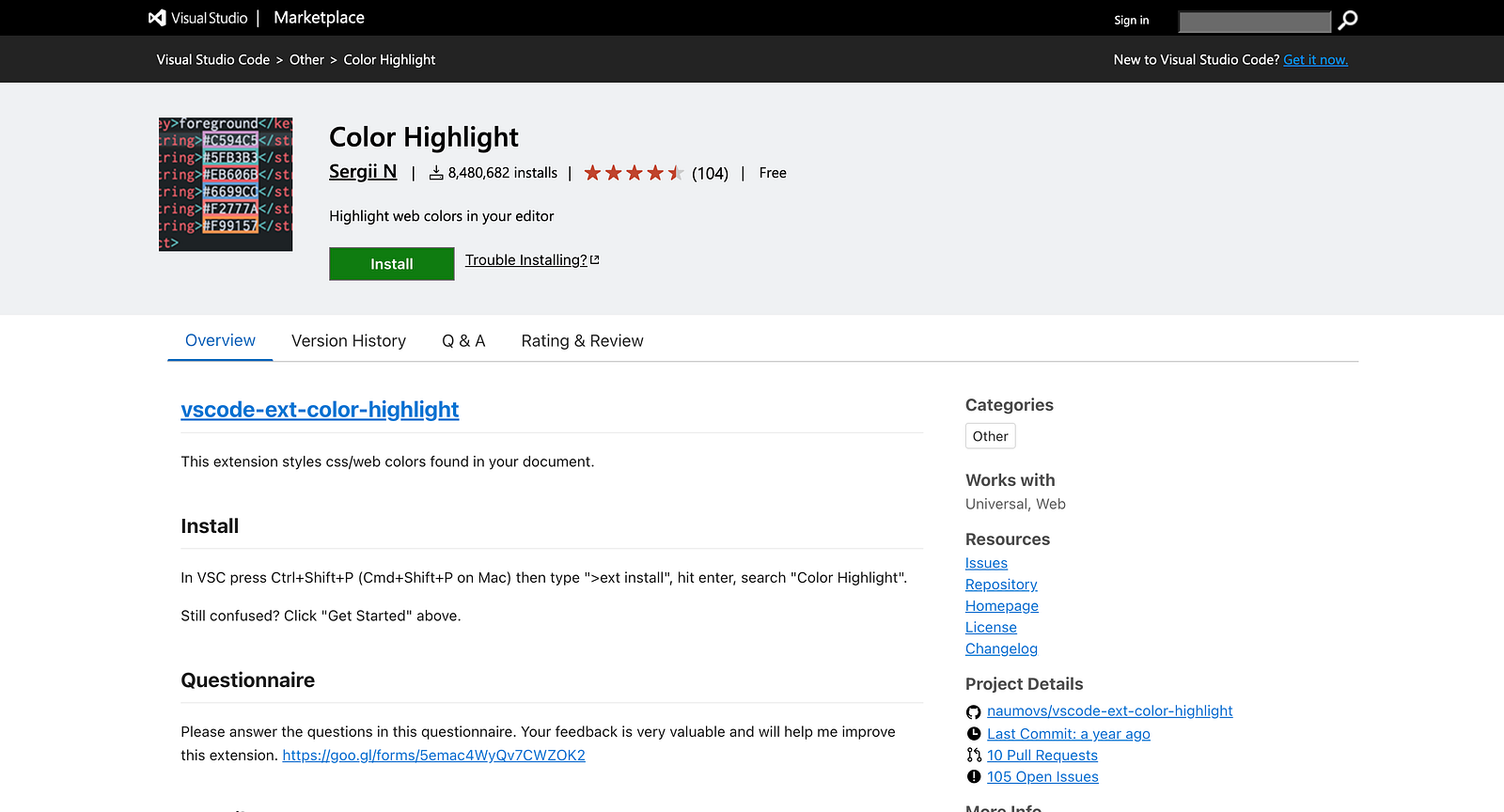
- Shows color previews in your CSS/SCSS/HTML.
- Makes UI design and tweaking so much easier.
- Works with hex, RGB, hsl, etc.
7. Live Sass Compiler
Real time SCSS to CSS compilation.
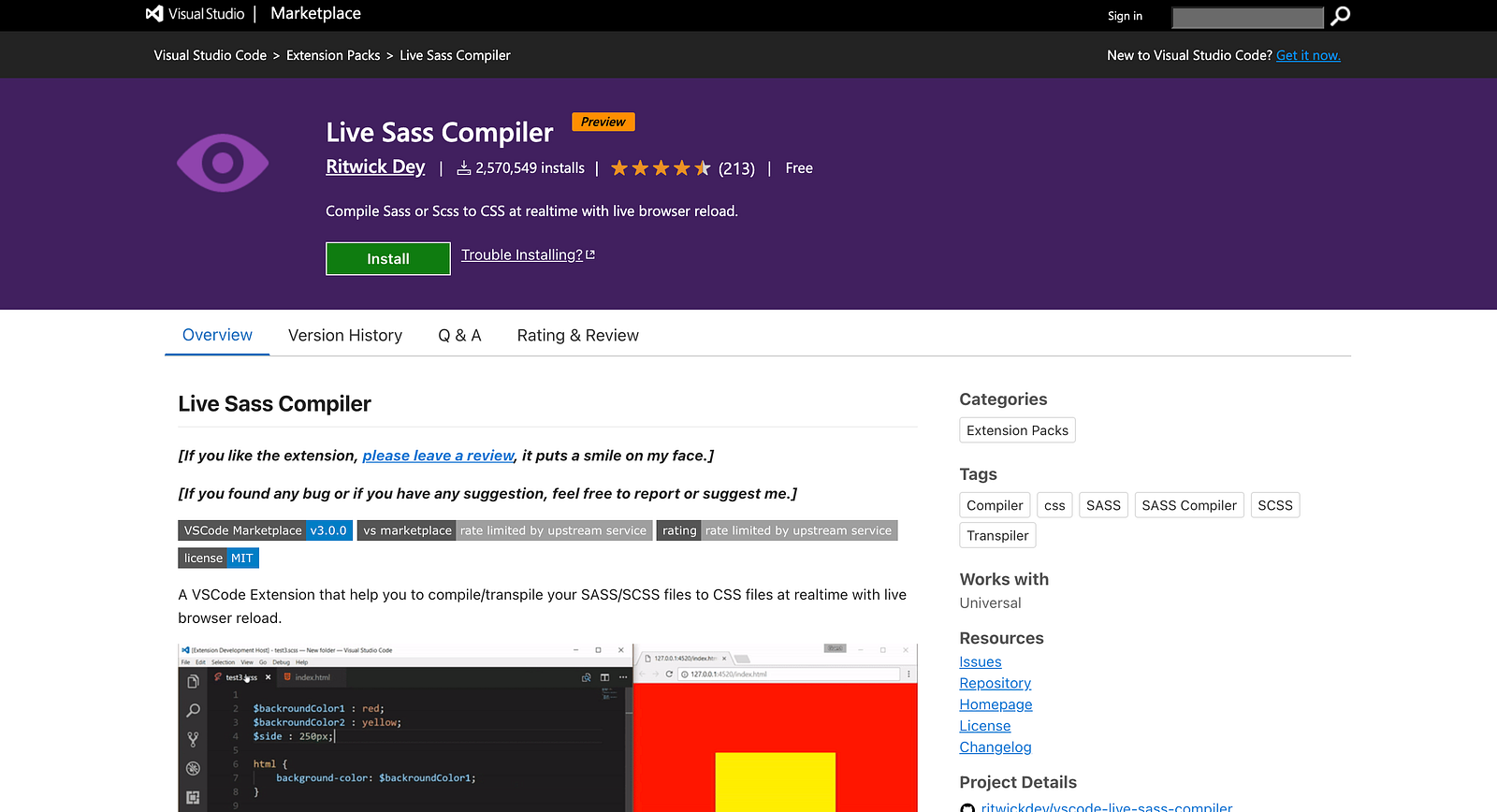
- Compiles
.scssto.cssautomatically as you save. - Great for those using Sass manually.
- Easy to configure and use.
Writer : Bhuwan Chettri