
AI coding assistants are becoming a core part of modern development workflows. Tools like GitHub Copilot Chat, Cursor, and other AI-enabled VS Code extensions can generate code, refactor modules, and write tests. However, without clear guidance, they often produce inconsistent results.
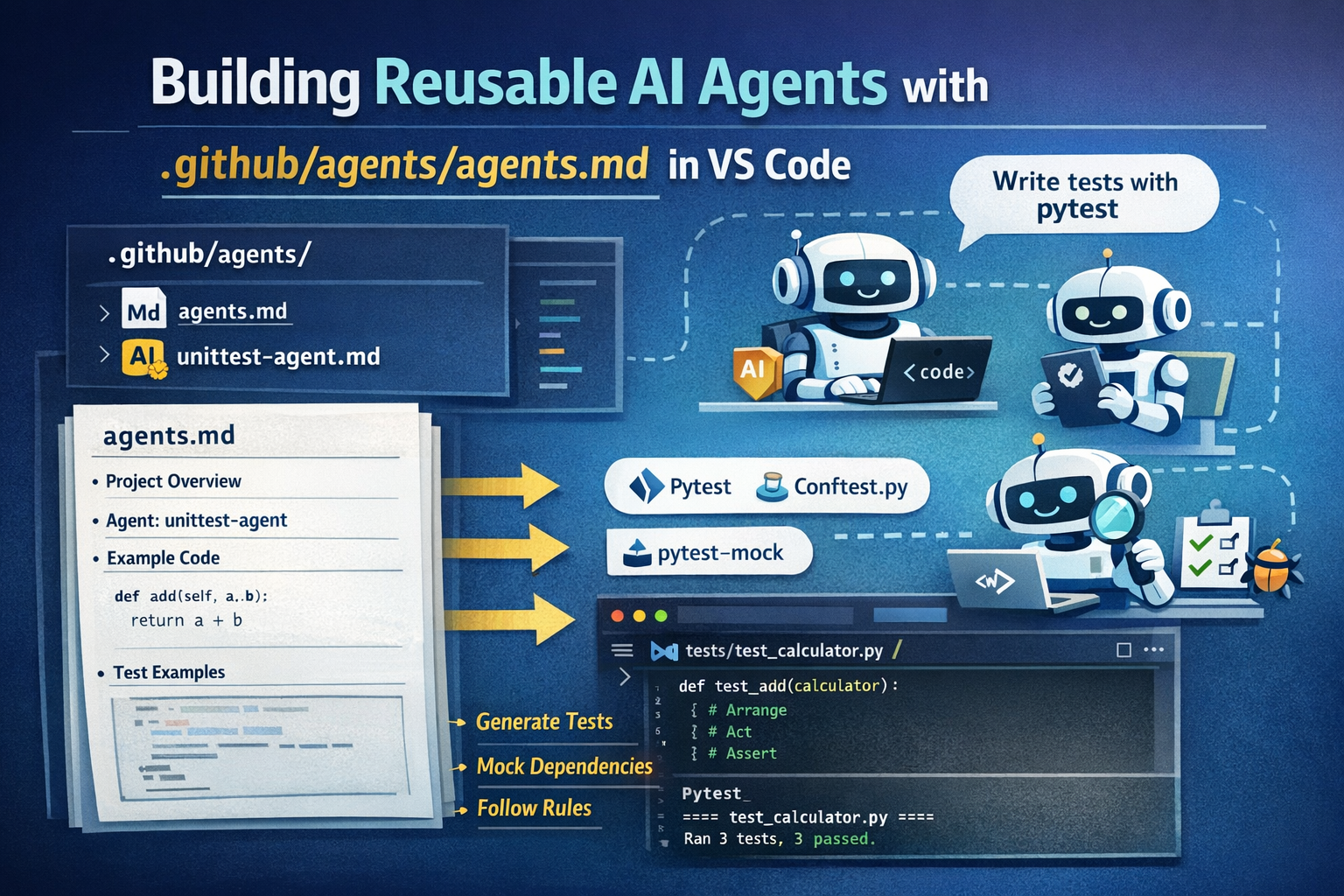
If you are not medium member, click here to read.
🔥 Top Tech Jobs Are Hiring NOW — Don’t Miss Out.
👉 Apply & Secure Your Job

A practical way to control this behavior is to define agent rules inside your repository. One clean and maintainable approach is to place these rules in:
.github/agents/agents.mdThis article explains:
- why this path is useful
- how to structure a reusable
agents.md - how to include full examples inside it
- how to make VS Code AI assistants follow it
- how to design the file so it adapts to different projects
The goal is to create a single reusable configuration that makes AI behave like a disciplined team member.
Why Store Agent Rules in .github/agents/
The .github directory is commonly used for repository configuration such as:
- GitHub workflows
- issue templates
- pull request templates
Placing AI instructions here keeps them separate from application code while still being part of the repository context that AI tools scan.
Recommended structure:
project/
│
├── src/
│   ├── calculator.py
│   ├── billing.py
│   └── tax_service.py
│
├── tests/
│   ├── conftest.py
│   └── test_calculator.py
│
├── .github/
│   └── agents/
│       └── agents.md
│
└── requirements.txt
Advantages of this approach:
- AI rules are centralized
- repository remains clean
- configuration is version controlled
- teams can evolve agent behavior over time
What an Effective agents.md Should Contain
A good agent file usually includes five things:
- Project context
- Agent roles
- Development rules
- Testing standards
- Real examples
Examples are extremely important because AI models recognize patterns better when they can see the expected structure.
Full Example .github/agents/agents.md
Below is a complete example that you can directly use in a Python repository.
# AI Agents Configuration
Location: `.github/agents/agents.md`
This file defines rules and examples for AI coding agents working in this repository.
Agents must read and follow these instructions before generating code.
---
# Project Overview
Language: Python 3.11
Testing framework: pytest
Mocking library: pytest-mock
Primary goals:
- maintain readable code
- generate reliable tests
- avoid duplicated logic
---
# Repository Structure
src/
    application source code
tests/
    automated tests
tests/conftest.py
    shared pytest fixtures
---
# Agent: unittest-agent
## Role
Specialized testing agent responsible for generating unit tests.
## Description
The unittest-agent analyzes modules inside the `src/` directory and generates pytest-based test suites that follow the repository’s testing conventions.
---
## Responsibilities
- Generate pytest test cases
- Create reusable fixtures
- Mock external dependencies
- Cover normal cases and edge cases
- Ensure tests remain readable and deterministic
---
## Constraints
- Do NOT use the Python unittest framework
- Fixtures must be placed in `tests/conftest.py`
- Follow Arrange–Act–Assert pattern
- Avoid duplicated setup code
---
# Example Source Module
Example file: `src/calculator.py`
```python
class Calculator:
    def add(self, a, b):
        return a + b
    def divide(self, a, b):
        if b == 0:
            raise ValueError("division by zero")
        return a / b
```
---
---

# Example Fixture
File: `tests/conftest.py`
```python
import pytest
from src.calculator import Calculator

@pytest.fixture
def calculator():
    return Calculator()
```
Fixtures defined here can be reused across multiple tests.
---
# Example Generated Tests
File: `tests/test_calculator.py`
```python
import pytest

def test_add(calculator):
    # Arrange
    a = 2
    b = 3
    # Act
    result = calculator.add(a, b)
    # Assert
    assert result == 5

def test_divide(calculator):
    result = calculator.divide(10, 2)
    assert result == 5

def test_divide_by_zero(calculator):
    with pytest.raises(ValueError):
        calculator.divide(10, 0)
```
---
# Example of Mocking Dependencies
Example module:
`src/tax_service.py`
```python
def get_tax_rate():
    return 0.18
```
`src/billing.py`
```python
from src.tax_service import get_tax_rate
def calculate_total(price):
    return price + price * get_tax_rate()
```
---
# Mocking Test Example
```python
def test_calculate_total(mocker):
    mocker.patch("src.billing.get_tax_rate", return_value=0.1)
    from src.billing import calculate_total
    result = calculate_total(100)
    assert result == 110
```
Agents must use `pytest-mock` rather than manual patching.
---
# Test Design Rules
All tests must follow the AAA pattern:
Arrange
Act
Assert
Example:
```python
def test_example():
    # Arrange
    value = 5
    # Act
    result = value * 2
    # Assert
    assert result == 10
```
---
# Naming Conventions
Test files:
  test_<module>.py
Examples:
  test_calculator.py
  test_billing.py
Test functions should describe behavior clearly:
  test_divide_by_zero
  test_add_positive_numbers
To support the testing rules in this agent file:
pip install pytest pytest-mockThese libraries allow the AI agent to generate working test code.
Using the Agent Rules in VS Code
Once the repository contains .github/agents/agents.md, AI assistants can reference it automatically.
Typical workflow:
1. Open the project in VS Code
File → Open Folder2. Use an AI extension
Examples:
- GitHub Copilot Chat
- Cursor
- Codeium
These tools include repository files as context.
3. Ask the AI to follow the agent specification
Example prompt:
Generate pytest tests for src/calculator.py following the rules in .github/agents/agents.mdThe assistant should:
- read the agent rules
- identify the unittest-agent
- generate tests using pytest
- place fixtures in
conftest.py
Making the Agent File Adaptive
A good agents.md should adapt easily to different repositories.
You can do this by clearly separating:
Project Context
Language
Framework
Directory layout
Agent Roles
unittest-agent
refactor-agent
doc-agent
review-agent
Examples
Examples ensure the agent produces the correct style of output.
Optional: Multi-Agent Setup
Large repositories often define multiple agents.
Example structure:
.github/
└── agents/
    ├── agents.md
    ├── unittest-agent.md
    ├── refactor-agent.md
    ├── doc-agent.md
    └── review-agent.md
Each agent handles a specific responsibility.
Template for Reuse
After building a full example, teams often create a simplified template
Location: `.github/agents/agents.md`
---
## Project Overview
Language:
Testing framework:
Main libraries:
---
## Repository Structure
src/
tests/
tests/conftest.py
---
## Agent: <agent-name>
Role:
Description:
Responsibilities:
Constraints:
---
## Example Source Code
```python
# example module
```
---
## Example Fixture
```python
# example fixture
```
---
## Example Test
```python
# example pytest test
```
This template can be reused across multiple projects.
Best Practices for Writing agents.md
Be explicit: Clear instructions work better than vague guidance.
Always include examples
Keep agents focused: Instead of a single large agent, define smaller specialized agents.
Final Thoughts
Placing an agent configuration in:
.github/agents/agents.mdcreates a stable contract between your repository and AI coding assistants.
It ensures that generated code:
- follows project architecture
- uses the correct testing framework
- respects repository conventions
- remains maintainable over time
With a well-written agents.md, AI tools in VS Code become consistent collaborators rather than unpredictable generators.
Writer : A. Gupta